




Decision Maker
Your priority is to ensure the growth of your business. With 4D, you can create customized solutions or opt for turnkey solutions designed by our partners.

After 15 months of rigorous beta testing, Qodly is officially here! Designed to streamline web application creation, Qodly empowers you to bring your ideas to life quickly and efficiently. If you're starting a new web project, Qodly is the ideal tool to get the job done. Plus, if you started as a beta tester, you’ll get 20% off for three months!
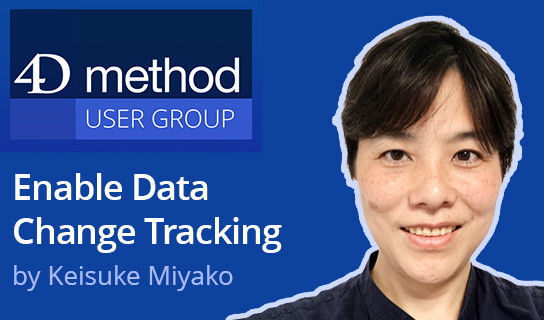
Discover how to streamline data replication with 4D’s native Data Change Tracking feature introduced in 4D v20 R3. In the last 4D Method meeting Keisuke Miyako explained how it works, how it differs from journaling and mirroring, and how to manage collisions. The presentation included a live demo with code examples, practical insights, and a discussion of limitations.
This comprehensive training will help developers master the latest in 4D technology. It's designed to accelerate the learning curve for new developers so they can contribute quicker and more effectively. Learn how writing code with ORDA in Project Mode can help your team stay current with the best 4D has to offer!

Deliver complex, powerful, and easily scalable solutions. Your applications can grow with you.

Your priority is to ensure the growth of your business. With 4D, you can create customized solutions or opt for turnkey solutions designed by our partners.

Consultant, ISV or in-house, 4D is a full-stack development environment for quickly creating web, mobile and desktop applications.

Find out how 4D supports developing applications under your own brand, with your chosen business model.

Recognized for 30 years as a preferred partner in the academic world, 4D supports institutions, teachers, researchers, and administrators.
Here's a video about the new training format that fits your schedule! Access your training sessions from anywhere at any time.
For each subject, take advantage of the example application source code, training materials and unlimited access to the video.